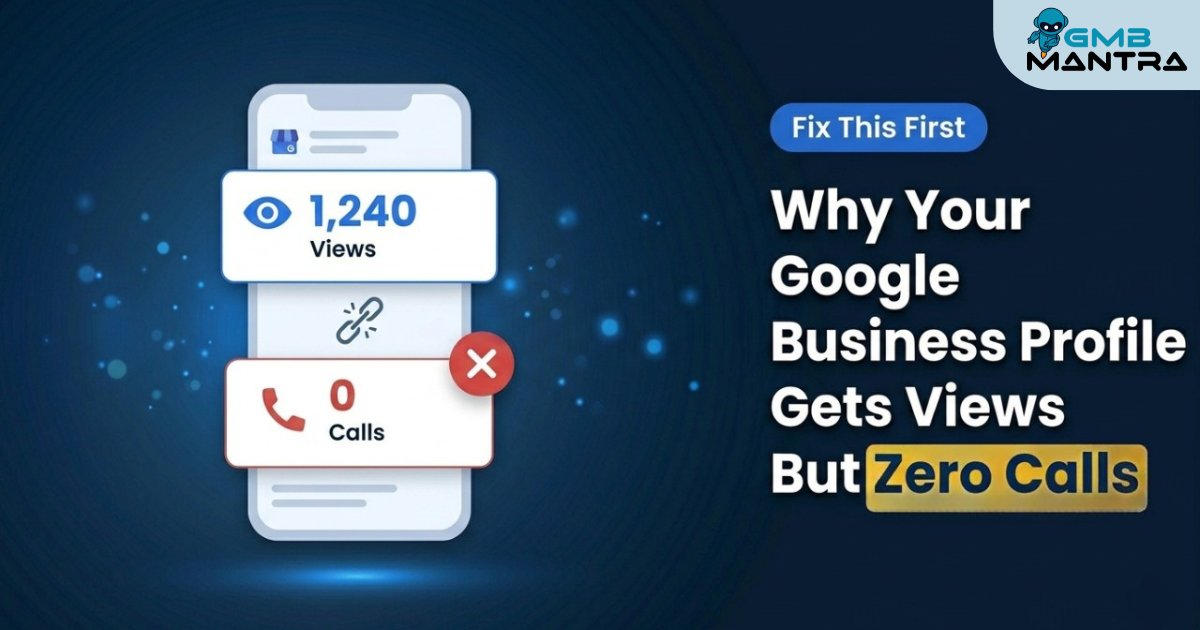
Why Your Google Business Profile Gets Views But Zero Calls (Fix This First) | GMBMantra
Why Your Google Business Profile Gets Views But Zero Calls (Fix This First)
You check your Google Business Profile stats and see hundreds of views; then look at your call log and see almost nothing. That gap isn't bad luck. It's a fixable setup problem.
Last Tuesday, a tattoo shop owner sent me a screenshot. His Google Business Profile had racked up 1,200 views in a single month. Calls? Three. And one was a wrong number.
I see this pattern constantly; dental practices, HVAC companies, restaurants, salons. The profile looks alive. Views keep climbing. But the phone sits silent. This guide walks you through exactly why it happens and how to close that gap using the right local SEO tools, smarter profile optimization, and a performance dashboard that actually tells you what's broken.
Why Google Business Profiles Get Views Without Generating Calls
A profile that gets views but no calls is missing conversion pathways; phone visibility, messaging enablement, or compelling CTAs. Views measure discovery; calls require optimized contact methods, correct hours, and active engagement signals like Google Posts.
Before diving in, it helps to understand what makes a complete, high-performing profile. Check our guide on what Google Business Profile is and why every local business needs it in 2026. It covers the fundamentals that make everything below work.
Before You Touch Anything: Run a Profile Audit
Skipping a Profile Audit before making changes is where most business owners go wrong. I've made that mistake diving into category edits when the real problem was upstream.
A proper Profile Audit confirms four things before you do anything else:
• Verification is complete. Look for the green "Verified" badge in your GBP dashboard. If it's pending, nothing else matters.
• You're working on a desktop. The mobile app hides advanced category auditing tools. Use Chrome, Edge, or Brave.
• UTM parameters are configured. Without them, your Performance Dashboard can't separate local traffic from organic. You're flying blind on attribution.
• Multiple contact methods are live. Phone, messaging, and website link. Single-phone setups bleed preference-based conversions.
GMBMantra's automated Google Business Profile Optimization runs this Profile Audit for you, flagging missing fields, incomplete categories, and broken contact setups in minutes.
Phase 1: Fix Your Contact Methods (The 80/20 of Profile Optimization)
Most profiles I audit have the phone number buried or worse the call button doesn't show on mobile Maps at all. This is the most-reported complaint in GBP forums, and the fix is simple.
What to Do
• Open your GBP dashboard on the desktop. Go to Info > Phone.
• Add a real, dialable phone number with this UTM string on your website URL: ?utm_source=gbp&utm_medium=local
• Toggle "Respond to messages" under customer service settings.
• After saving, search your business name on Google Maps from your phone. You should see a tappable phone icon, a blue message bubble, and your website link.
Check your Insights tab within 24 hours. "Calls from profile" should show activity if your view count is healthy. No activity after 48 hours = the button still isn't rendering. Revisit the contact setup.
Phase 2: Run a Category Audit
I spent two hours troubleshooting an HVAC client's profile before realizing their primary category was set to "Contractor" instead of "HVAC Contractor." That single word buried them in generic results.
What to Do
• Open an incognito window. Search your service + city (e.g., "plumber Austin").
• Click the map pack results. Note their primary and secondary categories.
• Go to your dashboard: Profile > Info > Categories > Edit. Set your primary category to the most specific match. Add 2–3 secondary categories.
• Search your service + city again in incognito. Your profile should appear with the updated category label.
An HVAC company I worked with was invisible in niche filters because they hadn't added "emergency service" as an attribute. The moment they did, AI-driven recommendations started surfacing them first. Entity-based filtering is ruthless; it skips inconsistent profiles without warning.
If you're unsure why your profile underperforms in specific areas, read our breakdown on why most local businesses in India fail at Google Business Profile optimization. Many of the same category and attribute gaps apply globally.
Phase 3: Activate Post Scheduling With Real CTAs
Static profiles die. A tattoo shop I worked with had decent views but zero walk-ins. After we added service-specific posts with "Book Now" and "Call Now" CTAs through scheduled Post Scheduling, appointments jumped 180% in the first month.
Posts aren't optional anymore. They're your conversion engine.
What to Do
• Dashboard > Home > Posts > Create Post.
• Write about one specific service. Not your whole menu; one thing.
• Add a CTA: "Call now" or "Book online."
• Use Post Scheduling to publish consistently; at least one post per week.
GMBMantra's AI Google Business Profile tools handle Post Scheduling, review response automation, and Photo Management from a single dashboard; so your profile stays active even when you're not.
Phase 4: Set Up Attribution With a Performance Dashboard
No UTM means zero attribution. Your views register, but calls appear as "direct" traffic in GA4. You're optimizing in the dark.
What to Do
• In your GBP website field, use: yoursite.com/?utm_source=gbp&utm_medium=local
• For individual posts, use a separate UTM. The GBP website field and post links need different tracking strings.
• In GA4, go to Acquisition > Traffic Acquisition and filter by "gbp." Within 48 hours, you should see a "gbp / local" source row.
Your Performance Dashboard whether in GMBMantra or GA4 is where Growth Insights start to appear. You'll see which posts drive calls, which keywords send traffic, and which pages convert. Without this step, every future optimization is a guess.
Phase 5: Use Rank Tracking to Confirm It's Working
After fixing contact methods, categories, and posts, most business owners wait and hope. Don't. Rank Tracking tells you exactly how your profile position moves after each change; so you know what's working and what to do next.
GMBMantra's geo-grid Rank Tracking and Google Reviews Management tools give you hyperlocal visibility data — showing how you rank across different neighborhoods, not just your registered business address. That's where most local businesses are losing calls they don't even know exist.
Pair Rank Tracking with Smart Alerts automated notifications that fire when your position drops, a competitor surpasses you, or a review needs a response. Smart Alerts turn your Performance Dashboard from a passive report into an active early-warning system.
Don't Ignore Photo Management
A profile with outdated or missing photos loses trust before a visitor even reads your description. Photo Management isn't cosmetic; it directly affects CTR and conversion.
• Upload at least 10 high-quality photos (interior, exterior, products/services, team).
• Add new photos weekly. Profiles with recent photo activity rank higher in local pack results.
• Use geo-tagged photos where possible. The metadata signals reinforce your location to Google.
Ghost Errors That Kill Conversions (And Nobody Talks About)
• Hours update doesn't reflect in search: Set hours as "custom hours" with a 24/7 fallback. Avoid the auto-detect GPS option.
• AI Overview skips your profile despite full optimization: Add hyperlocal landmarks to your description (e.g., "two blocks south of Pune"). This feeds entity recognition that generic descriptions miss.
• Video verification vs. postcard: A dental client switched from postcard to frame-video verification and saw calls increase 400% in 30 days. Video builds maximum algorithmic trust.
Turning Analytics & Insights Into Action
Once your contact methods, categories, Post Scheduling, and Rank Tracking are in place, your Analytics & Insights tab becomes genuinely useful. Here's what to monitor weekly:
• Profile views vs. actions ratio: if views are high but actions are low, something is still breaking the conversion path.
• Search queries that trigger your profile: your Growth Insights come from here. New keyword opportunities often appear after category updates.
• Direction requests: a spike in direction requests is a reliable leading indicator that calls will follow.
• Photo views vs. competitor photo views: if competitors' photos are getting more views, your Photo Management cadence needs to increase.
Frequently Asked Questions
Why does my GBP show views but no call tracking in analytics?
Without UTM parameters on your GBP website link, GA4 lumps all GBP traffic under "direct." Add ?utm_source=gbp&utm_medium=local to your website URL in the dashboard. Within 48 hours, segmented data appears in GA4 under Traffic Acquisition.
Does video verification actually boost rankings over postcards?
Yes. Frame-video verification builds stronger algorithmic trust signals. One dental practice saw a 400% call increase within 30 days of switching. Google treats video-verified profiles with higher confidence for geo-signals and local pack placement.
How do I audit competitor categories without paid tools?
Open an incognito browser. Search your service plus the city. Click each map pack result and note primary and secondary categories. This takes ten minutes and gives you the exact competitor data you need; no paid local SEO tools required.
What if my messaging feature is grayed out after verification?
Toggle "Respond to messages" in customer service settings. This feature requires at least 5 reviews before activation, a prerequisite Google doesn't surface anywhere obvious. Once enabled, the message bubble appears within hours.
How often should I post to keep my profile active?
At minimum, once per week. Post Scheduling tools (like GMBMantra's built-in scheduler) make this effortless by queuing posts in advance. Profiles that post consistently outperform static profiles in local pack rankings over a 90-day window.
Your Profile Isn't Broken; It's Half-Built
The views are already there. What's missing is the conversion infrastructure: correct contact setup, accurate categories, active Post Scheduling, Photo Management, Rank Tracking, and a Performance Dashboard that surfaces Growth Insights instead of guesswork.
Fix the contact methods first. Then nail your primary category. Then start posting with real CTAs. Each step compounds.
If you want to skip the manual work, GMBMantra's AI Google Business Profile platform automates the Profile Audit, Post Scheduling, Smart Alerts, Photo Management, and Rank Tracking, so every view has a real chance of becoming a call.





