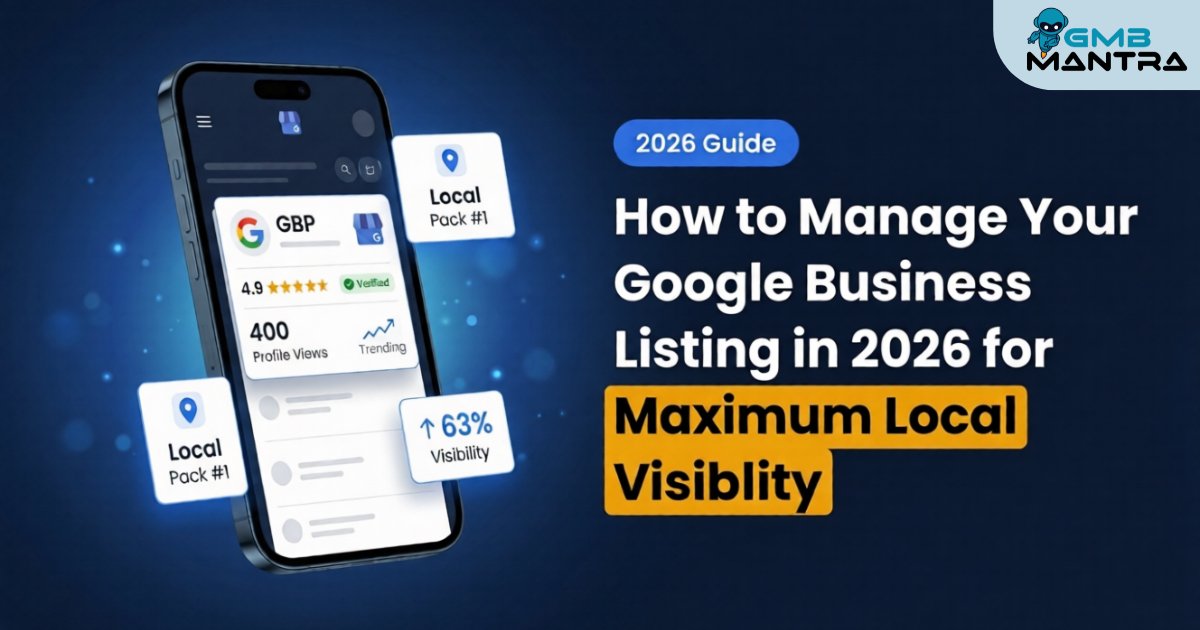
How to Manage Your Google Business Listing in 2026 for Maximum Local Visibility
A client of mine—a plumber with 15 years in the trade—called me last March, furious. "I'm invisible on Maps. My competitor down the street gets every call, and he's been open six months." I pulled up his Google Business Profile. The service area radius was set to 0km. Zero. He'd spent weeks perfecting his description, adding photos, responding to reviews... and none of it mattered because a single overlooked field made him a ghost on Google Maps.
That's the thing about GBP listing management in 2026. The details that tank your visibility aren't the ones you'd expect.
Here's what this post covers: a practitioner-tested, phase-by-phase system to manage your Google Business listing so it actually drives calls, foot traffic, and local rankings—without tripping the landmines I've watched dozens of businesses step on.
What You Need Before Touching a Single Setting
Before you update your Google Business listing, run through this quick verification check. I've seen people jump straight into edits and burn hours troubleshooting problems that were really just missing prerequisites.
- A physical phone for two-factor authentication. This applies during initial claim and post-verification edits, even for multi-location managers. No workarounds.
- A Chromium-based browser. Chrome or Edge. Firefox throws "format unsupported" errors during video verification uploads—I lost 45 minutes to this once before switching browsers.
- Your business signage photos ready, especially if you're a service-area business without a storefront. Video verification requires proof of management, and static office tours fail.
- NAP consistency across your website. Your Name, Address, and Phone number on your site must match what you're entering in GBP. Gemini now cross-references your services pages before auto-answering Q&A, so crawlable service pages aren't optional anymore.
The readiness test: Can you log into business.google.com, see your listing (or the "Claim this business" prompt), and confirm your website's NAP matches what you plan to enter? If yes, you're clear for Phase 1.
Phase 1: Claim and Verify Your Profile
What to do: Search your business name on Google Maps. Click "Claim this business" or "Own this business?" and follow the ownership prompts. Select your verification method.
The pro shortcut? Go directly to business.google.com, search your name, and hit Ctrl+Shift+O to jump into the manager dashboard.
What you should see: A blue checkmark badge next to your business name once verified. If the "Manage Now" button is grayed out, don't panic—that's not a login issue. It means verification isn't complete yet.
Friction warning I wish someone had told me earlier: Service-area businesses often get stuck on video verification. The fix that actually works: select "Service area business" before triggering verification, then pan your camera slowly over your work van signage or branded equipment. I helped a chimney cleaning company skip a two-week postcard delay by filming their fleet. Done in a day.
Verification test: You see the blue badge. You can edit fields. Move on.
Phase 2: Nail Your Core Info—And Don't Get Suspended
This is where 72% of the profiles I audit have problems. Not because people skip this step, but because they over-optimize it.
What to do: Dashboard → Edit Profile → Enter your business name as an exact match to your signage. Select one primary category. Write a description with natural keyword integration.
What you should see: A green "Saved" toast notification, and your category list refreshes instantly. Profile edits save in under 30 seconds if no re-verification is triggered.
Here's the contrarian take I stand behind: skip secondary categories entirely. Google's AI infers them from your website content and web mentions more accurately than manual stacking. I've watched profiles get flagged for over-optimization when owners pile on six or seven secondary categories that don't perfectly align with their site content. Primary category inference from your actual web presence is stronger in 2026 than it was even a year ago.
The suspension trap: A roofer client added "Best Roofer" to their business name based on old SEO advice. Suspended within 48 hours during what I can only call the 2026 AI crackdown on keyword stuffing. Reinstatement required submitting a signage photo through the support form proving the exact legal name. Three weeks of lost visibility.
Verification test: Your name matches your signage letter-for-letter. One primary category selected. No fluff in the name field.
Phase 3: Hours, Services, and the Service Area Radius Trap
What to do: Edit Profile → Hours → Services tab (add descriptions and pricing) → Products tab if you sell physical items.
For multi-location businesses, the GBP API's bulk endpoints let you push hours and service updates across all locations simultaneously—a move that saved one chain I worked with 10 hours per week on manual edits.
The critical mistake: Service-area businesses that skip the physical address field often forget to define their service radius. The default is 0km. You become invisible on Maps. (I'll be honest, I got stuck here too with that plumber client, until I realized the radius field was the culprit—not his description, not his reviews, not his photos.)
What you should see: Your pin drops accurately on the map preview with a green outline around your service area.
Verification test: Search your business from an incognito browser in a location within your stated radius. You appear on Maps.
Phase 4: Posts, Q&A, and the Gemini Problem
What to do: Dashboard → Posts → Create → Schedule up to 30 days ahead. For multi-locations, Ctrl+Click to select locations and bulk post.
What you should see: A "Scheduled" tag with a clock icon in your Posts feed. Bulk posts take 2-3 minutes to propagate across locations—don't refresh obsessively.
Now, the ghost error that's burning businesses right now: Gemini Q&A hallucination. Gemini AI auto-answers customer questions by pulling from your website data, and those answers can appear in 1-2 days without your approval. If your site has outdated hours, discontinued services, or stale content, Gemini will confidently serve wrong answers to potential customers.
I helped a plumber triple his calls in 30 days by optimizing categories and descriptions. But we forgot Q&A monitoring. Gemini hallucinated wrong business hours from an old site page. He lost roughly 20 leads before we caught it through a site audit.
The fix: Force a re-crawl via Google Search Console—submit your services page URL directly—and wait 48 hours for GBP sync. Then prepare Schema.org/LocalBusiness structured data on your site, because Gemini's "expertise verification" now cross-references GBP services with your website quarterly. Beta signals suggest manual Q&A dominance could deprecate by end-of-2026.
Verification test: Ask a friend to check the Q&A section on your listing. Are the AI-generated answers accurate?
Where Review Management Fits Into All of This
You can't talk about google business profile management without addressing reviews—and not just collecting them. Review analytics, response templates, and reputation protection are the operational layer that separates profiles ranking in the local pack from those buried on page two.
Responding quickly matters, but moderation delays make it tricky. Having a system that handles sentiment analysis and generates personalized responses—not cookie-cutter templates—is what keeps your profile fresh and signals engagement to Google's ranking algorithms. If you're managing more than a couple locations, doing this manually isn't realistic. That's where a platform like GMBMantra becomes the logical next step—it consolidates review management, post scheduling, rank tracking, citation management, and competitor analysis into a single dashboard with AI-driven response automation. Worth exploring if you're scaling past what manual management can handle.
FAQ
How do I reinstate a suspended Google Business Profile after a name violation?
Remove any text from your business name that doesn't match your physical signage exactly. Then submit a reinstatement request through Google's support form, attaching a clear photo of your storefront or vehicle signage as proof. Expect the process to take one to three weeks. Avoid adding any descriptors, keywords, or location modifiers to the name field going forward.
Why does Gemini AI show wrong answers in my GBP Q&A section?
Gemini pulls answers from your website content, including cached versions. If your site has outdated information, the AI will serve it confidently to searchers without your approval. Force a re-crawl of affected pages through Google Search Console, update your services and hours pages, and implement Schema.org/Service structured data. Changes sync within 48 hours.
How do I bulk schedule posts across 50+ locations?
Use the multi-location selector in your GBP dashboard (Ctrl+Click to select locations) and schedule posts up to 30 days ahead. Bulk posts take 2-3 minutes to propagate. But here's the catch—cookie-cutter content across locations can tank individual rankings. Add unique photos per location at minimum.
What passes video verification for mobile service businesses?
Select "Service area business" before initiating verification. Film a slow pan over your branded vehicle, equipment, and a screen showing your GBP dashboard logged in. Static office tours or generic footage gets rejected. Show proof of management, not just proof of existence.
