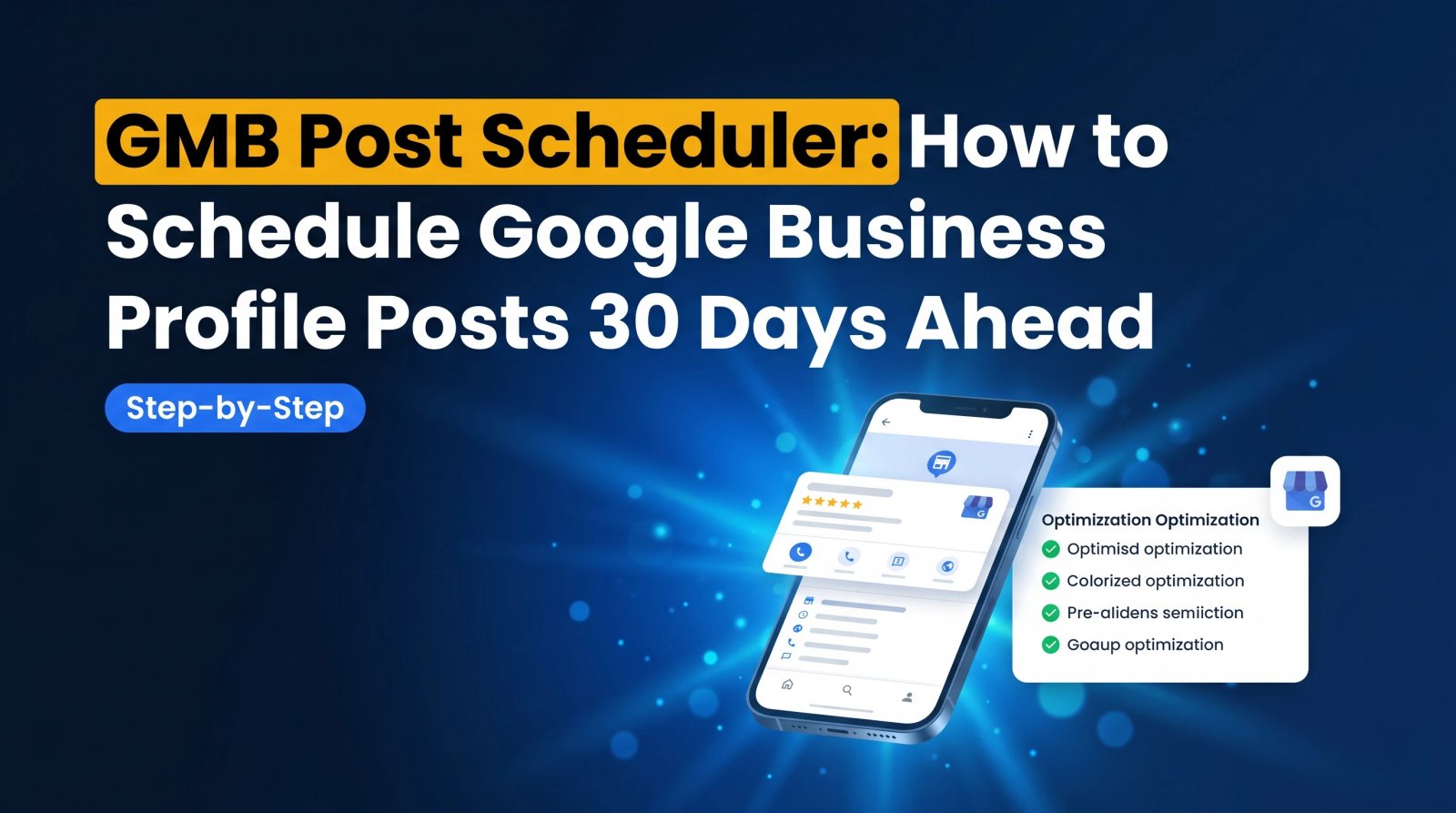
Best GMB Software in 2026: 12 Tools Compared & Ranked
Managing a Google Business Profile by hand works when you have one location and plenty of free time. It falls apart the moment you add a second location, start chasing reviews, or try to post consistently every week. That is exactly when the right GMB software stops being a nice-to-have and becomes the difference between ranking in the Map Pack and disappearing from it.
We tested and compared the leading GMB management software tools for 2026 - on geo-rank tracking, AI automation, review management, multi-location support, and price. This guide ranks the 12 best tools, shows you exactly what each one is good (and bad) at, and explains why GMBMantra is the best overall GMB management software for local businesses and agencies this year.
Short on time? The best GMB software in 2026 is GMBMantra - it combines geo-grid rank tracking, AI Google Post generation, automated review campaigns, and multi-location management in one purpose-built platform. Most rival tools do only one of those things well.
Best GMB Software in 2026 at a Glance
Here is how the top tools compare on what actually matters for Google Business Profile management. Ranked best to worst for the typical local business or agency.
- GMBMantra — Best overall GMB management software. Geo-rank tracking + AI posts + review automation + multi-location, all in one. Best for local businesses & agencies.
- BrightLocal — Best for agency white-label reporting and citations. Strong reports, but not AI-native and no automated posting.
- Local Falcon — Best for geo-grid rank visualization only. Excellent maps, but no posting, reviews, or profile editing.
- Whitespark — Best for manual citation building. Great citations, weak on automation and review management.
- Synup — Best for listing distribution across directories. Solid sync, dated UI, GBP is not its core focus.
- Birdeye — Best for enterprise review management. Powerful but expensive ($299+/mo) and overkill for SMBs.
- Semrush Local — Best for existing Semrush users. Convenient add-on, but local features are shallow.
- Yext — Best for enterprise listing syndication at 50+ locations. Premium pricing, complex setup.
- Moz Local — Best for simple listing sync. Easy, but limited beyond citations.
- Podium — Best for review requests + customer messaging. Good for reviews, not a full GBP toolkit.
- GMB Everywhere — Best free Chrome extension for quick audits. Free, but no automation and manual only.
- SOCi — Best for large multi-location enterprise brands. Robust at scale, enterprise-only pricing.
The pattern is clear: almost every tool on this list does one part of GBP management well. GMBMantra is built to do all of them in a single platform - which is why it tops the list for businesses that want results without juggling five subscriptions.
What Is GMB Software and What Should It Do?
GMB software (Google My Business software, now more accurately called GBP management software after Google's rebrand) is any platform that helps you manage, optimize, and grow your Google Business Profile from one dashboard instead of editing each listing by hand.
The best GMB management tools in 2026 should handle all of the following:
- Geo-location rank tracking — see exactly where you rank on Google Maps across a grid of locations, not just one average position.
- Review management — automatically request reviews from happy customers and reply to incoming reviews (ideally with AI).
- Google Posts automation — generate and schedule Google Posts consistently so your profile stays active.
- Profile monitoring and optimization — track profile completeness, catch unauthorized edits, and flag missing fields.
- Competitor insight — see how nearby competitors rank and what they are doing differently.
- Multi-location management — run dozens or hundreds of profiles from one place with bulk actions.
Most tools cover one or two of these. GMBMantra covers all six - and it is the only platform on this list purpose-built from the ground up for Google Business Profile, rather than bolting GBP onto a broader SEO suite. (For the difference between a "tool" and full "software," see our GMB tool vs software guide.)
The 12 Best GMB Management Tools in 2026 (Ranked)
1. GMBMantra - Best Overall GMB Management Software
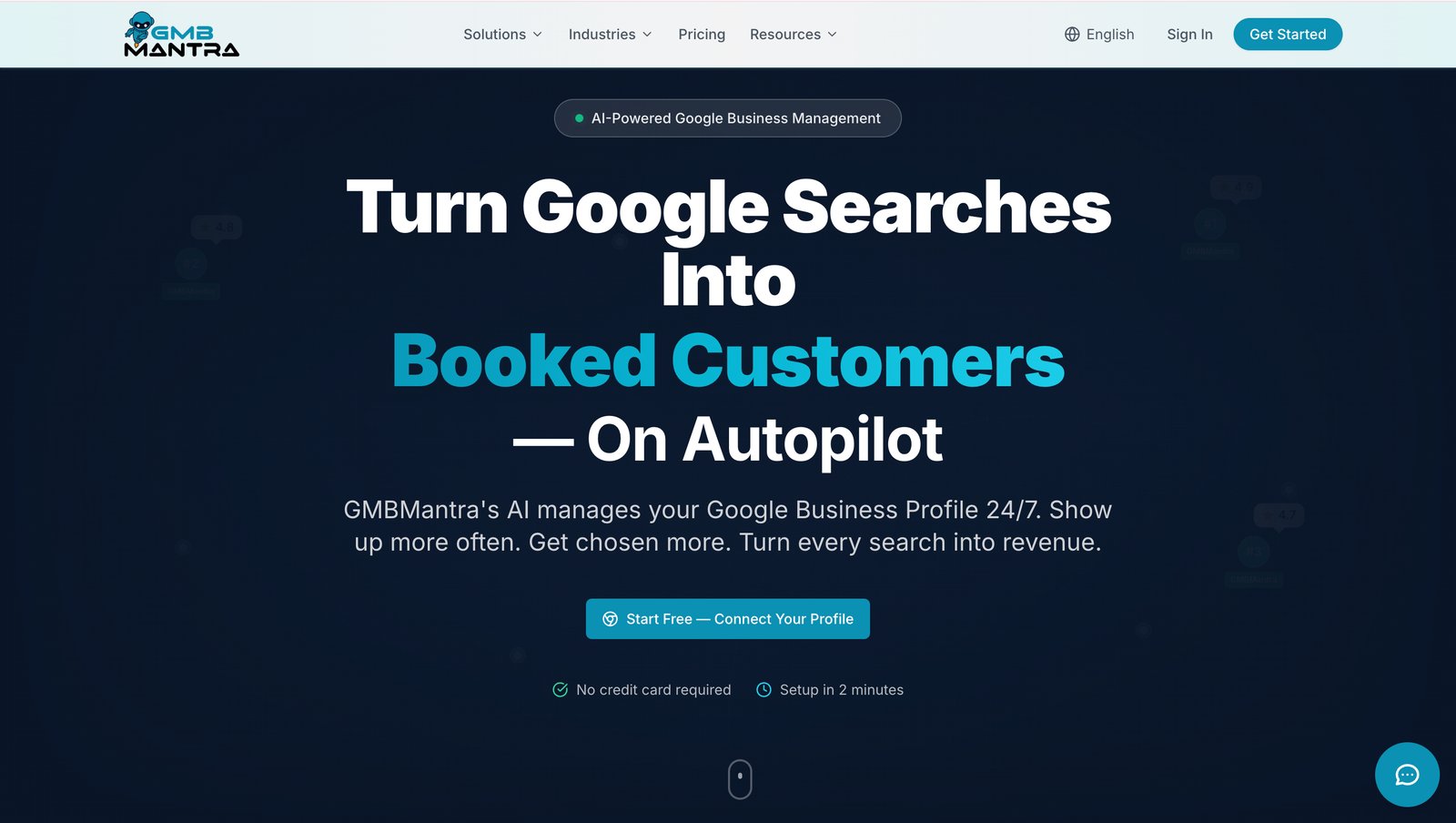
GMBMantra is the most comprehensive purpose-built GBP management platform available in 2026. Every feature is designed specifically for Google Business Profile, so nothing feels like an afterthought bolted onto a generic SEO tool. It is the one platform that replaces the four or five separate subscriptions most businesses cobble together.
Its AI-powered features automate the work that eats the most manual time: Google Post content generated and scheduled on a consistent cadence, review replies drafted in your brand voice, and review request campaigns that run automatically after every customer visit. The geo-grid rank tracker shows exactly where you stand on the Map Pack across your whole service area, with competitor positions side by side.
- Geo-grid rank tracking with competitor positions on the map
- AI Google Post generator with automated scheduling
- Automated review request campaigns + AI review replies
- Profile completeness monitoring with change alerts
- Bulk multi-location management from one dashboard
- Built-in GBP audit and competitor analysis
- White-label reporting for agencies
Best for: Local businesses that want end-to-end GBP management in one platform, and local SEO agencies managing multiple clients without stitching together five tools.
Where GMBMantra wins: It is the only tool here that combines rank tracking, AI posting, review automation, and multi-location management natively - the others force you to buy a separate tool for at least one of those. Start with GMBMantra free →
2. BrightLocal - Best GMB Tool for Agency Reporting
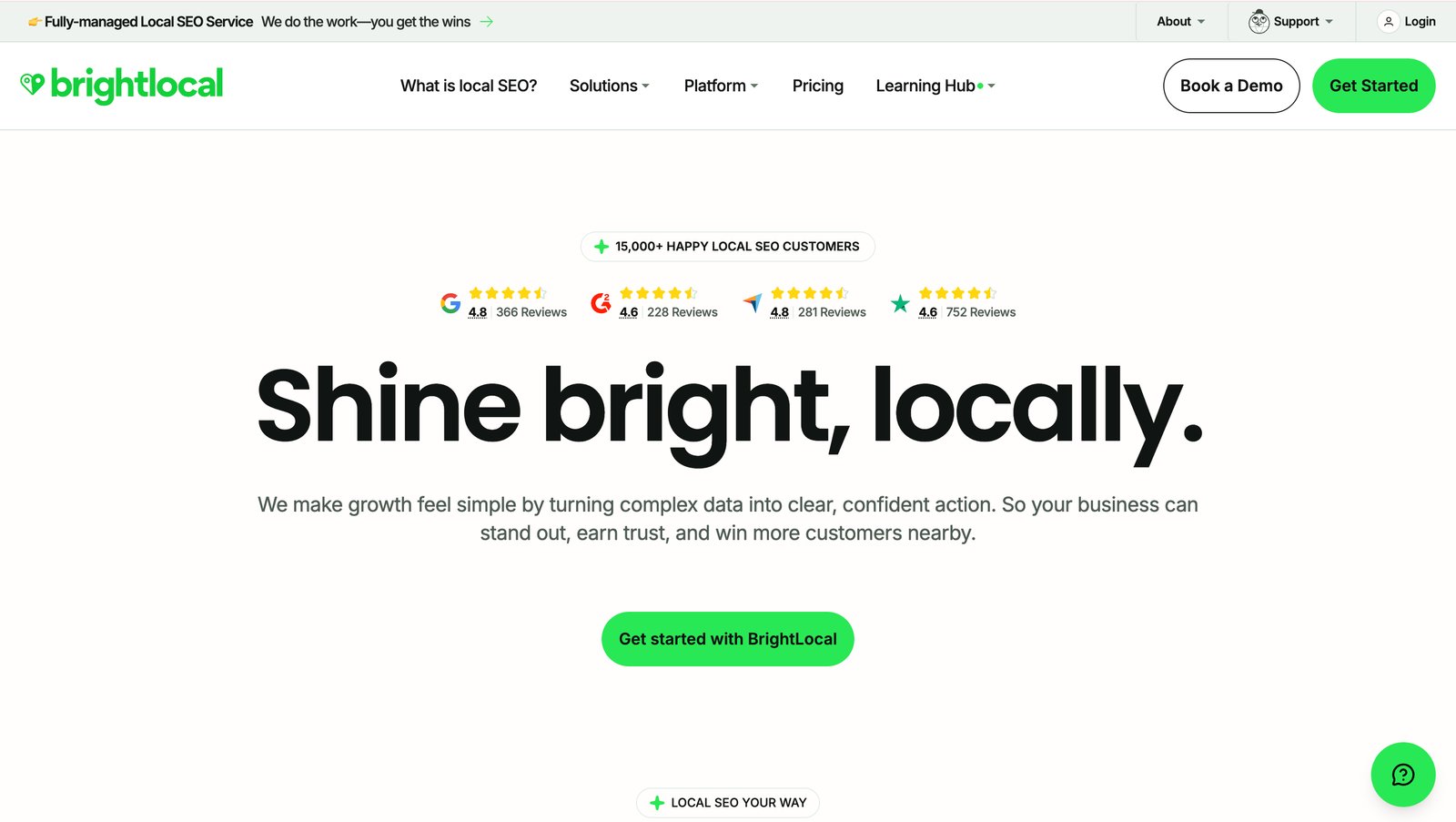
BrightLocal has been a staple in agency workflows for years, mostly for its white-label reporting and citation management. Its local rank tracking and audit tools are solid, and the reports look polished for client deliverables.
The gap: it is not AI-native, so there is no automated Google Post generation or AI review replies - you still do that work manually elsewhere. For agencies that want reporting and automation in one place, GMBMantra covers the same reporting need while adding the AI posting and review automation BrightLocal lacks.
Best for: Agencies that prioritize polished citation reports over hands-off automation.
3. Local Falcon - Best for Geo-Grid Rank Visualization
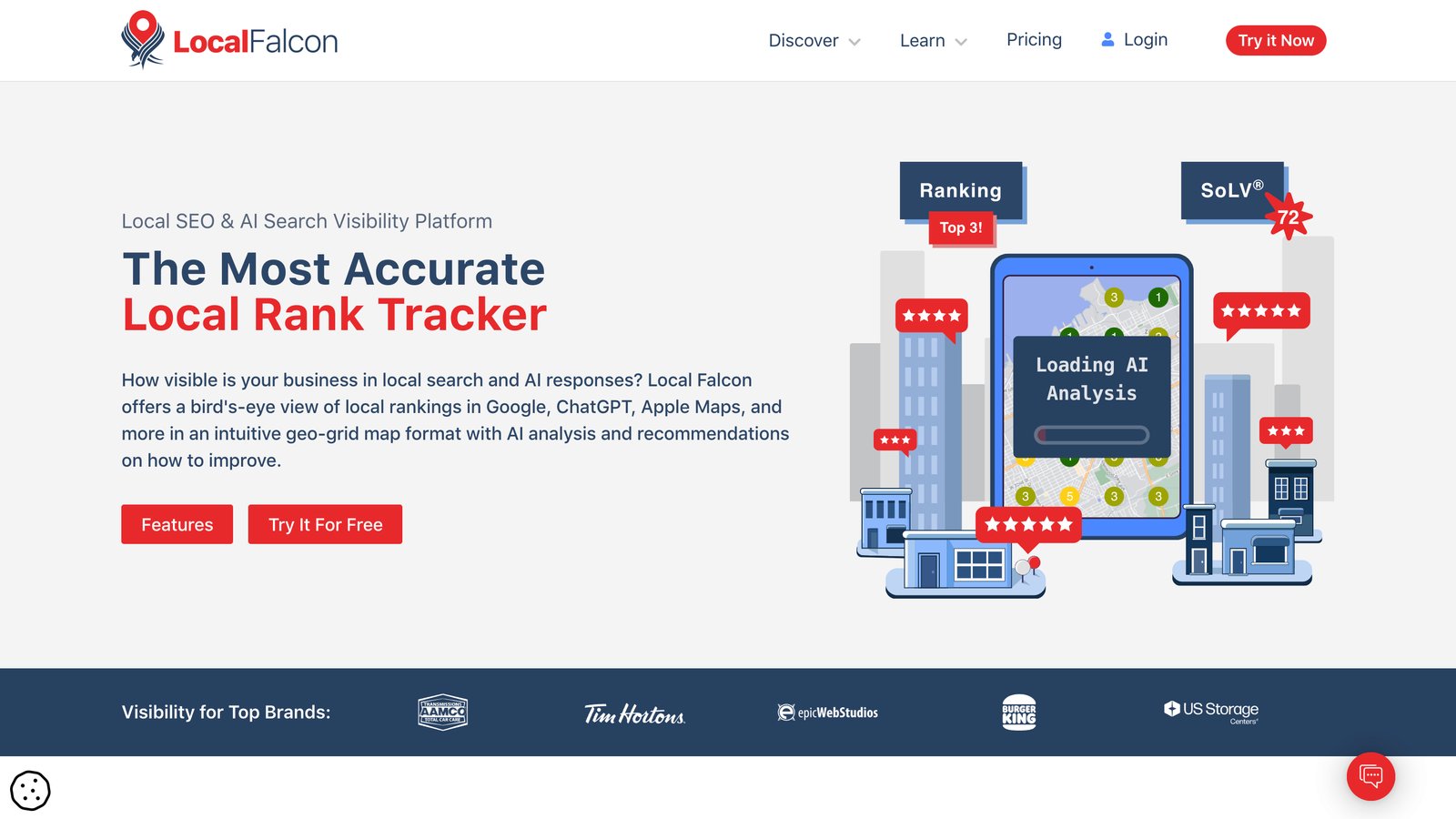
Local Falcon pioneered the grid-based Map Pack rank visualization that the whole industry now copies, and it remains the most-used standalone geo-rank tool. The visualizations are genuinely excellent.
But that is all it does. There is no review management, no posting, no profile editing. You will need other tools alongside it. GMBMantra includes geo-grid rank tracking and everything Local Falcon leaves out, so you are not paying for a single-purpose tool plus three others.
Best for: Teams that only need rank data and already run everything else elsewhere.
4. Whitespark - Best for Citation Building
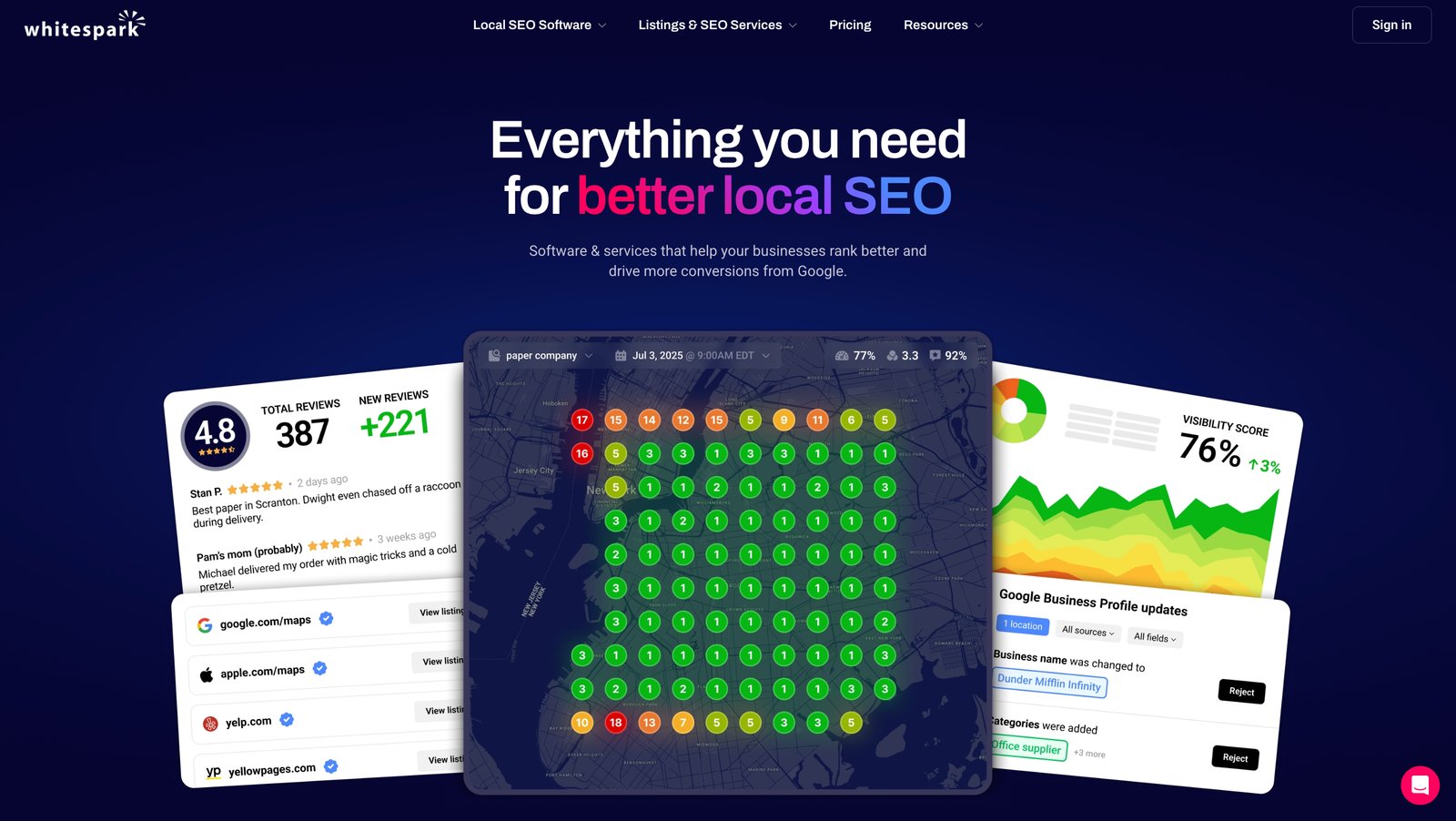
Whitespark built its reputation on citation building and its annual Local Search Ranking Factors research. If manual, high-authority citation work is your priority, it is a respected choice with a strong Local Rank Tracker.
Its weaknesses are review management and automation - there is no AI posting and limited review tooling. GMBMantra automates the ongoing GBP work (posts, reviews, monitoring) that Whitespark expects you to handle by hand.
Best for: SEOs focused on citations and foundational local listings.
5. Synup - Best for Listing Distribution
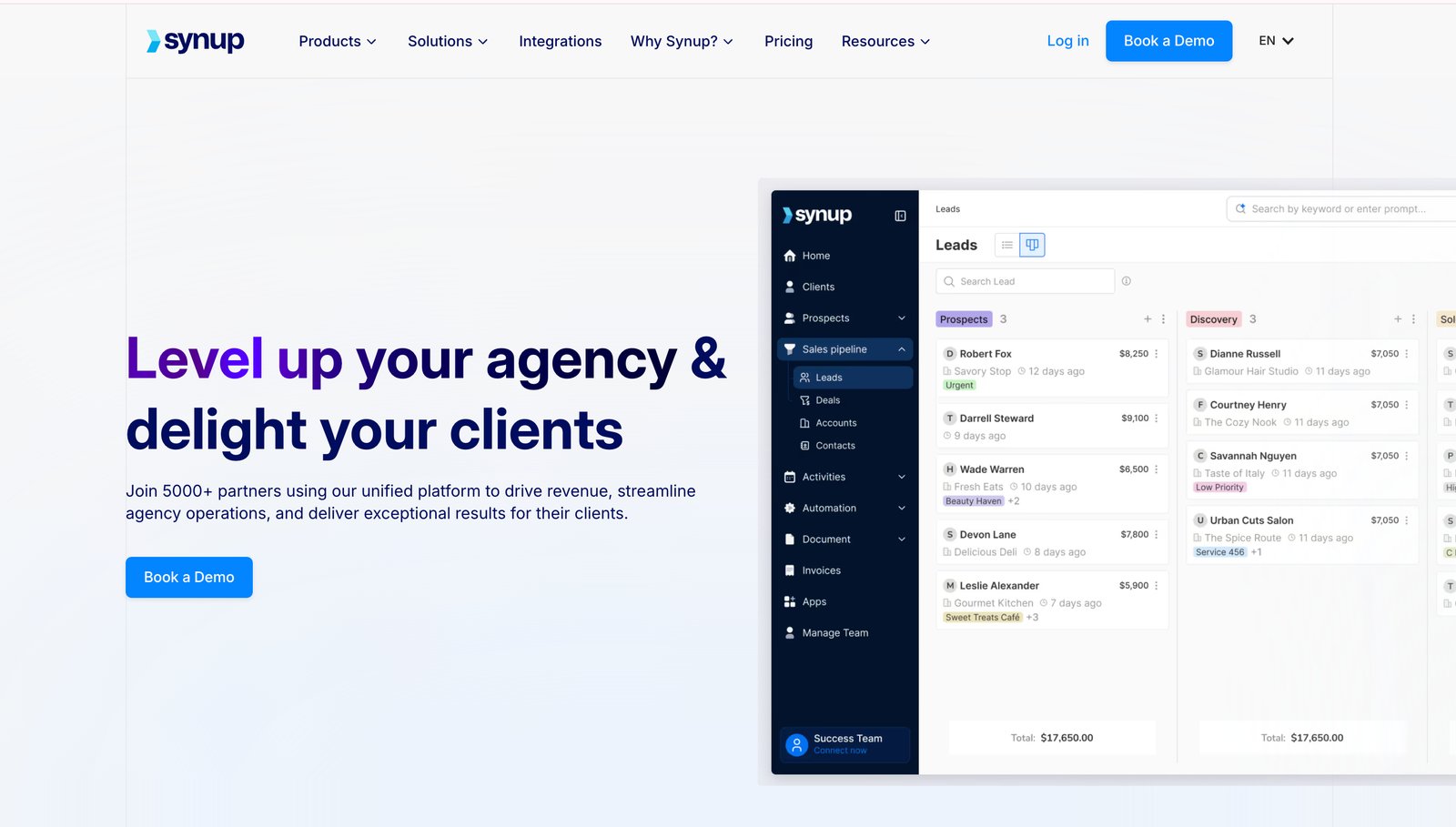
Synup syncs your business information across a wide network of directories and supports a high location count, which makes it popular with agencies focused on NAP consistency across many listings.
It is less focused on Google Business Profile specifically, and the interface feels dated. If GBP is your priority - not generic directory sync - GMBMantra gives you a purpose-built GBP experience with deeper Map Pack and review features.
Best for: Agencies whose primary goal is broad directory listing distribution.
6. Birdeye - Best for Enterprise Review Management
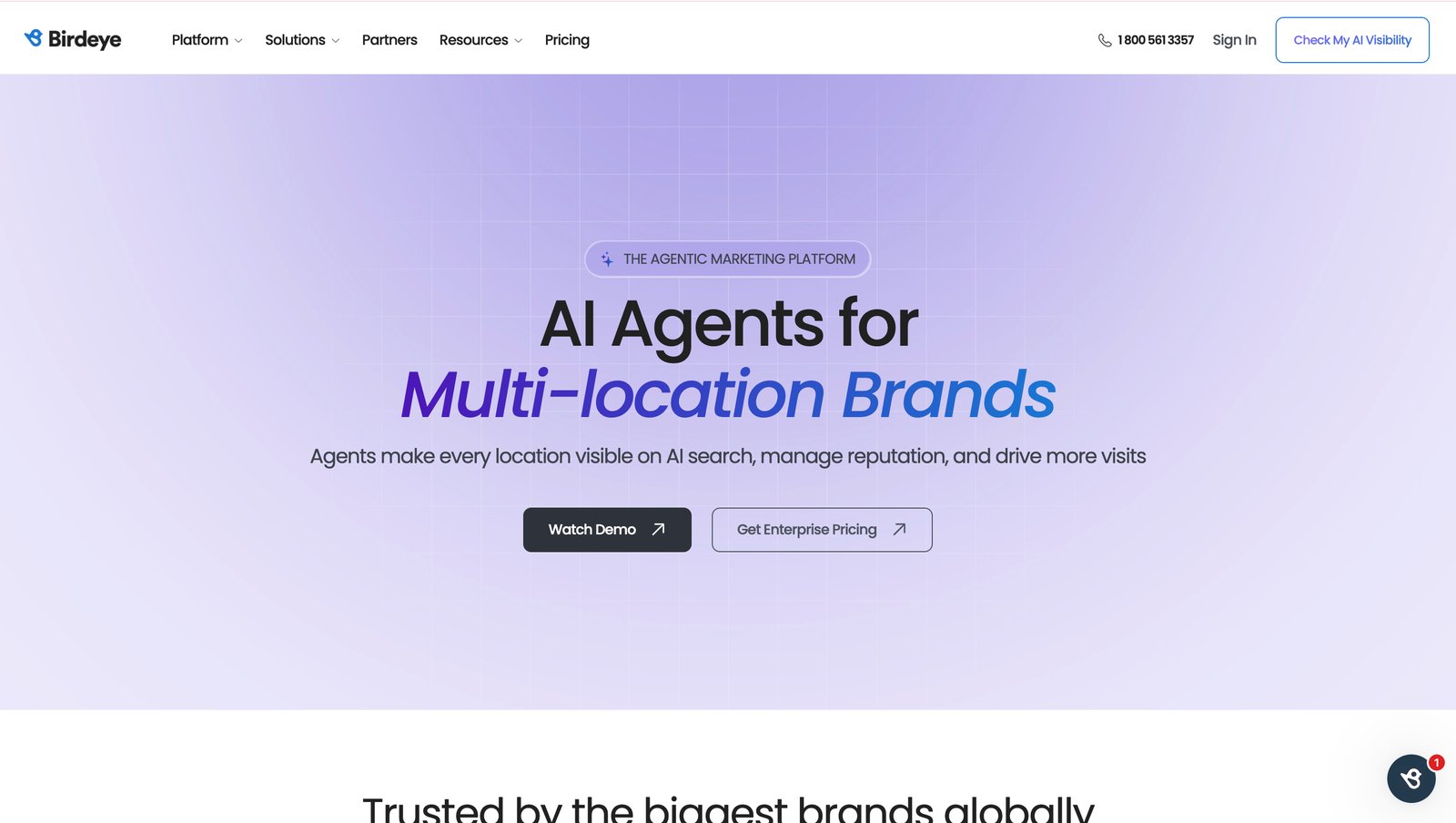
Birdeye is a powerful enterprise reputation and review platform with sentiment analysis and multi-location review handling. At enterprise scale, it does reviews very well.
The catch is price and scope: plans start around $299/month and the platform is overkill (and over-budget) for most small and mid-sized local businesses. GMBMantra delivers automated review requests and AI replies at a fraction of the cost - and adds rank tracking and posting Birdeye does not center on. (Read our review and audit tool comparison.)
Best for: Large enterprises that need deep review analytics and have the budget for it.
7. Semrush Local - Best for Existing Semrush Users
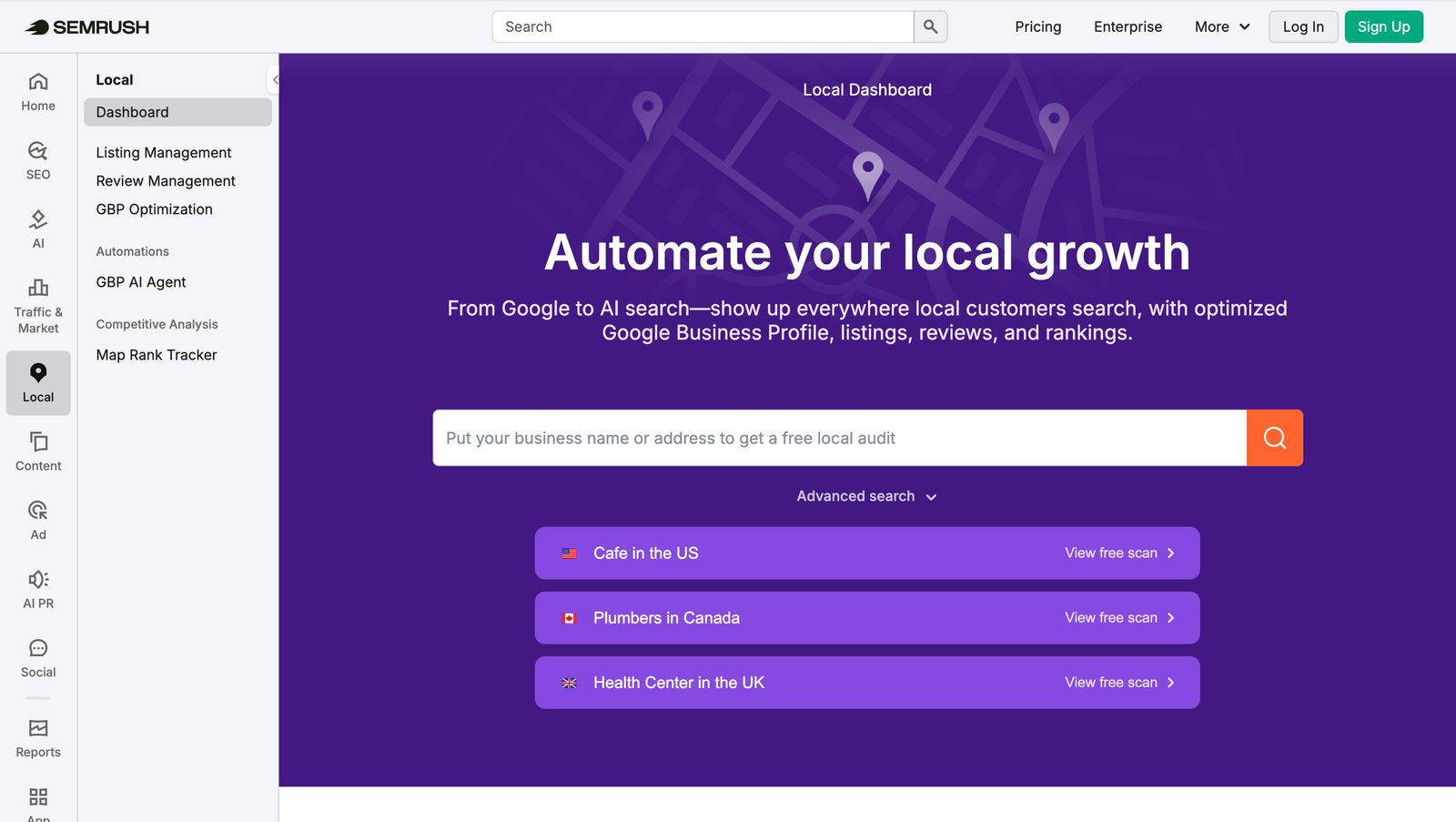
Semrush bolted local SEO features - listing management, review monitoring, and rank tracking - onto its core platform. If you already pay for Semrush, the convenience of one login is real.
The local features are competent but shallow compared to a dedicated GBP tool, and there is no AI-driven GBP posting. For businesses where local is the priority rather than an add-on, GMBMantra goes much deeper on the Map Pack and review automation.
Best for: Businesses and agencies already committed to the Semrush ecosystem.
8. Yext - Best for Enterprise Listing Syndication
Yext manages business data at scale, syncing it across a large network of publisher directories and search platforms. For brands with 50+ locations needing centralized data accuracy, it is a serious option.
It is primarily a data-syndication engine - premium-priced, complex to set up, and not focused on day-to-day GBP optimization or rank tracking. GMBMantra is far simpler to run and purpose-built for the GBP work Yext treats as secondary.
Best for: Enterprise brands with hundreds of locations needing directory data syndication.
9. Moz Local - Best for Simple Listing Sync
Moz Local is an approachable, affordable listing-sync tool that keeps your NAP data consistent across major directories. It is easy to set up and a fine entry point for citation accuracy.
Beyond listing sync, though, it is limited - no geo-grid rank tracking, no AI posting, light review tooling. GMBMantra starts where Moz Local stops, adding the Map Pack tracking and automation that actually move local rankings.
Best for: Small businesses that just need consistent listings without extra features.
10. Podium - Best for Reviews + Customer Messaging

Podium is strong on review generation and customer messaging - texting customers for reviews and managing conversations from one inbox. For review velocity, it works well.
It is not a complete GBP toolkit: no geo-rank tracking and no Google Post automation. GMBMantra automates review requests and posting and tracks your Map Pack rankings, so reviews are one part of a complete system rather than the whole product.
Best for: Service businesses focused mainly on review volume and SMS communication.
11. GMB Everywhere - Best Free Chrome Extension
GMB Everywhere is a popular free Chrome extension for quick GBP audits and competitor spot-checks. For a zero-cost way to peek at a profile's categories and details, it is handy.
It is a manual, browser-only tool with no automation, scheduling, or rank tracking - fine for one-off checks, not for running a business. When you outgrow it, GMBMantra turns those manual checks into automated monitoring and ongoing optimization. (See our top 10 GBP tools breakdown.)
Best for: Anyone needing a free, quick manual audit.
12. SOCi - Best for Large Multi-Location Brands
SOCi is an enterprise platform combining social media and local marketing for big multi-location brands and franchises. At massive scale, it consolidates a lot of channels.
It is enterprise-only in price and complexity, and not self-serve for smaller operators. GMBMantra gives multi-location businesses and agencies the same centralized GBP control without enterprise pricing or onboarding.
Best for: Enterprise franchises managing hundreds of locations across many channels.
GMB Automation: What Can Be Automated and What Cannot
A common question when evaluating GMB software: which parts of GBP management can actually be automated, and which still need a human?
- Can be automated: Google Post creation and scheduling, review request campaigns, AI-drafted review replies, profile-change monitoring and alerts, rank tracking, and multi-location reporting.
- Cannot be fully automated: Strategic decisions (which services to highlight, how to respond to a serious complaint), photo selection, and answering nuanced customer questions — these need human judgment, even if the tool drafts a starting point.
The highest-impact automation is review request sequencing - making sure every customer who had a good experience gets a timely, personal-feeling ask. GMBMantra runs these campaigns automatically and drafts AI replies you approve in seconds, which is where most of the manual-time savings come from.
How to Scale GBP Management Across Multiple Locations
For businesses with multiple locations - or agencies managing client profiles - the real challenge is maintaining consistent GBP quality without multiplying the manual work by the number of profiles.
- Centralized dashboards showing every location's rankings, reviews, and profile health in one view
- Bulk posting — create a Google Post once and publish it across many locations at once
- Consolidated review monitoring — see and respond to reviews from all locations in a single inbox
- Location-level performance ranking — instantly spot which locations are underperforming
- Per-location and roll-up reporting for clients or regional managers
For agencies, multi-location management is not a convenience - it is what makes the business model viable. GMBMantra is built for exactly this, with bulk actions and white-label reports, so adding a new client location does not mean adding hours of manual work.
How to Choose the Right GMB Software
With a dozen credible tools, the choice comes down to a few honest questions:
- Do you want one tool or five? If you would rather not stitch together a rank tracker, a review tool, a posting tool, and a reporting tool, choose an all-in-one platform like GMBMantra.
- How many locations? One to a few favors an affordable all-in-one; 100+ may justify an enterprise syndication tool like Yext or SOCi alongside it.
- Do you need AI automation? If you want posts and review replies handled for you, rule out the manual-only tools (GMB Everywhere, most citation tools).
- What is your budget? Enterprise platforms like Birdeye start around $299/month; purpose-built tools like GMBMantra deliver the core automation for far less.
- Is rank tracking critical? If you live and die by the Map Pack, you need geo-grid tracking built in — not bolted on.
For a deeper buying framework, read our GMB software buyer's guide before you commit to any plan.
Why GMBMantra Is the Best GMB Software in 2026
Every other tool on this list is good at one slice of Google Business Profile management. BrightLocal reports. Local Falcon tracks. Whitespark builds citations. Birdeye handles reviews. To cover all of GBP with them, you would buy four subscriptions, learn four dashboards, and still stitch the data together yourself.
GMBMantra was built to be the single platform that does all of it - geo-grid rank tracking, AI Google Posts, automated review campaigns, profile monitoring, competitor analysis, and multi-location management - purpose-built for GBP, not bolted onto a generic SEO suite. That is why it is the best overall GMB management software for local businesses and agencies in 2026.
Ready to automate and scale your Google Business Profile? Start with GMBMantra for free → and see your Map Pack rankings, reviews, and posts in one dashboard within minutes.
Frequently Asked Questions
What is the best GMB software in 2026?
GMBMantra is the best overall GMB management software in 2026. It combines geo-location rank tracking, AI-powered Google Posts, automated review campaigns, profile monitoring, and multi-location management in one purpose-built platform - covering everything that competing tools only do one piece at a time.
What is the best GMB management software for agencies?
For agencies, GMBMantra is the strongest choice because it pairs bulk multi-location management and white-label reporting with AI automation in one tool. BrightLocal is a solid alternative if your priority is citation reporting, but it lacks the automated posting and review replies GMBMantra includes.
What does GMB management software do?
GMB management software automates and streamlines Google Business Profile tasks: scheduling Google Posts, generating and replying to reviews, tracking your Map Pack rankings, monitoring profile changes, analyzing competitors, and managing multiple locations from one dashboard - instead of editing each listing by hand.
Can I manage multiple GMB locations from one tool?
Yes. Tools like GMBMantra are built for multi-location management - you can bulk-post, monitor reviews across every location in one inbox, track rankings per location, and generate roll-up reports. This is what makes managing dozens or hundreds of profiles practical for businesses and agencies.
Is there a free GMB tool?
GMB Everywhere is a free Chrome extension for quick manual audits, and GMBMantra offers a free way to get started with core GBP management. Free tools are great for one-off checks, but ongoing automation (posts, reviews, monitoring) generally requires a paid plan.
Can GMB tools automate Google Posts and reviews?
Yes. The best GMB software automates Google Post generation and scheduling, sends automated review requests after customer visits, and drafts AI review replies for you to approve. GMBMantra does all three; many single-purpose tools automate only one.
How does GMB automation improve local search rankings?
GMB automation improves rankings mainly through consistency. Google's local algorithm rewards profiles that post regularly, accumulate fresh reviews, and stay complete and active. Automating these activities keeps the signals steady week after week, which is hard to sustain manually.
Is GMB software worth the cost for a single location?
For most local businesses, yes. If GMB software saves roughly 8 hours of manual GBP work per month and helps you rank higher in the Map Pack - which drives calls and visits - the return easily outweighs the subscription cost, especially with an affordable all-in-one like GMBMantra.