How GMBMantra Helps Businesses Rank Higher on Google Maps
I spent three weeks manually checking rankings for a client with 14 locations. Fourteen. I'd open Google Maps, type in the keyword, scroll around, screenshot the result, paste it into a spreadsheet, and repeat. By location nine, I'd already forgotten what I found for location three. The spreadsheet was a mess. My data was inconsistent. And the worst part? By the time I finished the audit, half the information was already stale.
That's when I stopped pretending manual processes scale.
Here's the promise: this post walks you through exactly how GMBMantra tackles the core ranking factors for Google Maps—review management, rank tracking, citation management, competitor analysis, and reputation protection—so you can stop guessing and start seeing measurable movement.
What You Need Before Starting
Before you touch any tool, get these sorted:
- Google Business Profile ownership or admin access for every location. Not manager access. Owner or admin. You'll need it for API-level integrations.
- A list of your target keywords. Not just your business name—think hyperlocal intent phrases like "emergency dentist downtown" or "Thai food open late near me." Most businesses skip this and then wonder why their rank tracking data looks meaningless.
- Photo assets. Real ones. GMBMantra's photo scheduling and geotagging features need source material. If your photo library is three blurry shots from 2019, fix that first.
- Team role clarity. If multiple people manage locations, decide who owns what before setting up role-based permissions. Messy permissions create messy data.
Verification check: You're ready for Step 1 when you can log into every GBP you want to manage and you have at least 10 target keywords written down. Not in your head—written down.
Phase 1: Audit Your Current Local SEO Performance
The first instinct is to start optimizing. Resist it.
You need a baseline. Without one, you won't know if anything you do actually moves the needle. I learned this the hard way—I once spent a full month optimizing listings for a restaurant group, reported "improvements," and then realized I had no pre-optimization data to compare against. Embarrassing.
What to do:
Log into GMBMantra and pull up the Performance Dashboard. You'll see all your locations' metrics—views, searches, actions, engagement—in one centralized view. No more toggling between 14 browser tabs.
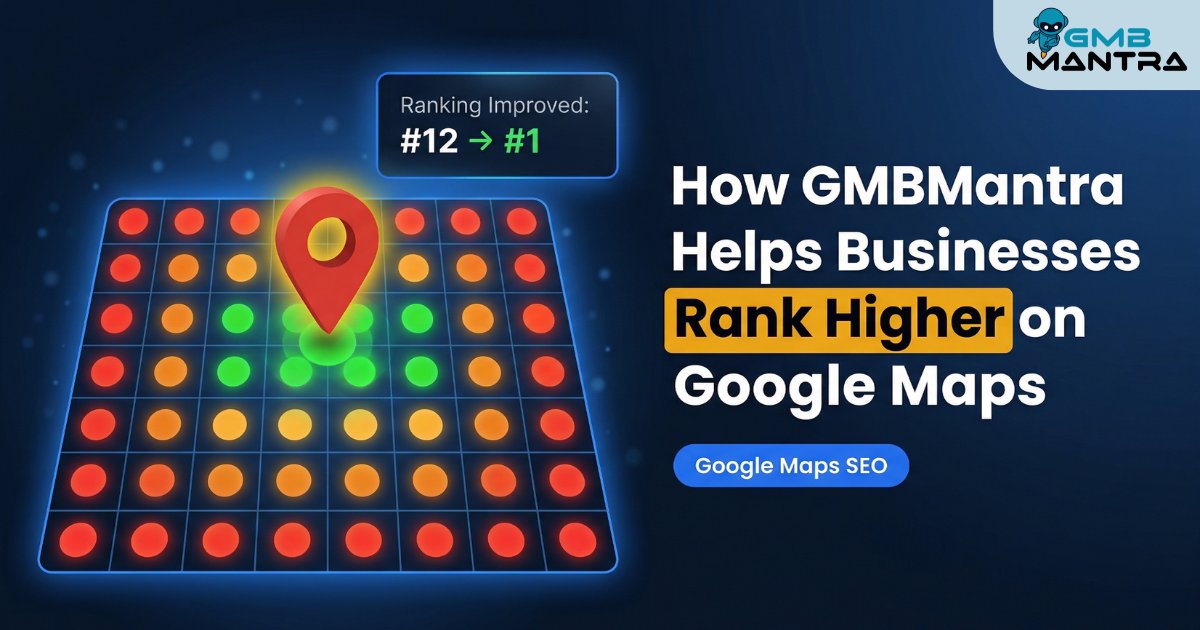
The geo-grid heatmap is what makes this different from Google's native insights. It shows your Google Maps rankings across multiple keywords, color-coded by performance zone. Green means you're dominant in that grid square. Red means you're invisible.
Visual checkpoint: You should see a heatmap with clearly defined color zones. If everything looks gray or blank, your keywords aren't configured yet—go back and add them.
The nuance most people miss: Google's native interface doesn't show you competitor performance. You literally cannot benchmark yourself. GMBMantra's competitor analysis feature puts your rankings side-by-side with specific competitors, which completely changes how you prioritize. I was looking at the data for one client and it's wild that they ranked #1 for their brand name but #17 for the category keyword that drives 80% of local traffic.
Phase 2: Fix Your Review Management System
Reviews aren't just social proof anymore. They're a direct ranking signal—and in 2026, review recency matters more than raw volume.
Here's where most businesses get this wrong: they chase quantity. A hundred reviews sounds impressive until you realize 60 of them are from 2022 and your average rating has drifted to 3.8. A single recent 5-star review now outweighs ten old 3-star reviews in how Google weighs them.
What to do:
Set up GMBMantra's Review Link & QR Generator with smart star threshold routing. This is the feature I wish existed five years ago. Customers who rate you 4-5 stars get routed to Google to leave a public review. Customers who rate you 1-3 stars get routed to a private feedback form. Reputation protection built right into the flow.
Then activate response templates with automated review responses. The platform delivers 10x faster response times and saves roughly 85% of the time you'd spend on manual management. That's not a small number when you're managing multiple locations.
Visual checkpoint: Your smart alerts should notify you of new reviews within hours. If you're still finding out about reviews days later, your alert thresholds need adjusting.
Verification: Check your review analytics and reporting dashboard. You should see three separate metrics: quantity, quality (ratings), and recency. If you only see a total count, you're looking at the wrong screen.
(I'll be honest, I got stuck here too, until I realized the response templates need customization per industry. A dental office and a pizza shop shouldn't sound the same when replying to reviews. Spend 20 minutes tweaking the tone before going live.)
Phase 3: Nail Citation Management and Category Alignment
This is the unsexy work that separates businesses ranking in the local pack from those buried on page two.
GBP services alignment jumped 75 positions in importance in 2026 ranking factors. That's a massive shift. Your listed services need to match your website's service pages exactly—not approximately, not "close enough."
And here's something that caught me off guard: business hours now impact rankings. It's a new signal. The friction point is real—businesses update hours in Google Maps but forget to sync them across their citation management system, creating inconsistency that Google penalizes.
What to do:
Use GMBMantra's bulk operations to apply category and service templates across all locations simultaneously. Verify that business hours are identical everywhere. Then run a citation audit to catch inconsistencies in your NAP data across directories.
Visual checkpoint: All locations should display identical, up-to-date business hours across the dashboard, and your services list should mirror your website's service pages.
Phase 4: Optimize Visual Content and Track Rankings
Businesses with optimized photo strategies receive significantly more engagement. But most don't know which photos perform best—they just upload everything and hope.
GMBMantra's photo management includes scheduling, geotagging, and quality analysis. The geotagging piece is critical and rarely done correctly. Location metadata embedded in your photos is an SEO signal that most competitors completely ignore.
For rank tracking, configure geo-grid heatmaps with your hyperlocal keywords. Set custom alert thresholds so you're notified of ranking drops before they compound. Google's AI now pinpoints user location with extreme accuracy, which means businesses seeing 45% increases in foot traffic are the ones excelling at granular local engagement.
Visual checkpoint: You should see scheduled photo uploads on your GBP calendar with quality scores for each image, and historical ranking data showing trends over weeks.
The "Ghost" Errors Nobody Talks About
Two issues I've seen repeatedly that aren't in any official documentation:
The phantom ranking drop. You'll get an alert showing a sudden drop, panic, check manually, and see your listing looks fine. What's actually happening: Google is testing a different local pack configuration in that grid zone. Wait 48 hours before making changes. I've watched people blow up a perfectly good listing because they reacted to a 24-hour fluctuation.
The review response loop. Sometimes automated responses trigger but don't display on the public listing for hours. It looks like the system failed. It didn't—there's a propagation delay on Google's side. Check back in 6-8 hours before troubleshooting.
FAQ
Why aren't my Google Maps rankings improving after optimization?
Rankings don't move overnight. Google's local algorithm processes changes over days to weeks, not hours. Verify your citation management is consistent across all directories, your review recency is strong, and your GBP services match your website. If you've done all three and see no movement after 30 days, run a competitor analysis—someone nearby may have made aggressive improvements that shifted the local pack.
How fast should I respond to negative reviews?
Under 24 hours, always. Review response time is both a ranking signal and a reputation protection mechanism. GMBMantra's automated responses handle the speed issue, but customize your response templates so they don't sound robotic. A personalized reply to a negative review can actually improve your conversion rate with people reading that review later.
Can I manage multiple locations without a platform like GMBMantra?
Technically, yes. Practically, no—not at scale. Once you're past 4-5 locations, manual management creates data inconsistencies, missed reviews, and stale listings. The platform supports 100+ locations simultaneously from a single dashboard, which is where the real operational leverage kicks in.
Do photo uploads actually affect Google Maps ranking?
Yes. Businesses with active, geotagged photo strategies see measurably higher engagement. The key is consistency and quality analysis—not just volume. Schedule uploads around seasonal events and new offerings rather than dumping 50 photos at once.
What's the one local SEO signal you've been ignoring? Go check your GMBMantra dashboard right now—the heatmap will tell you faster than I can.
