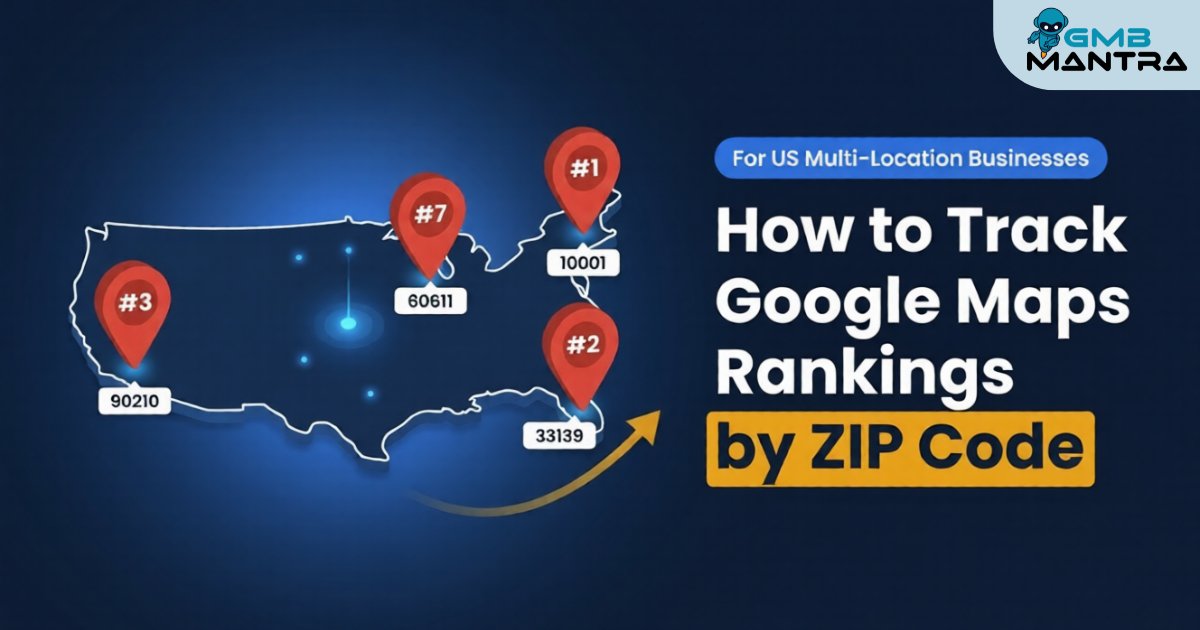
How to Track Google Maps Rankings by ZIP Code (For Multi-Location US Businesses)
We were managing rank tracking for a 175-location franchise last year when something broke my brain a little. Thirty of their stores were invisible in the local map pack—completely gone—despite having fully optimized GBP profiles, solid review velocity, and clean citations. It took us two weeks of geo-grid scanning across individual ZIP codes to find the culprit: unclaimed duplicate listings we didn't even know existed were silently suppressing every one of those locations.
That's the thing about multi-location local SEO. The problems aren't always loud. They're ghost errors—quiet, invisible, and devastating at scale.
By the end of this guide, you'll know exactly how to set up ZIP-code-level rank tracking for every US location you manage, spot the hidden failures most businesses miss, and build a repeatable system that actually scales.
Before You Start: The Pre-Flight Check
You need four things locked down before any of this works:
- A clean GBP dashboard with every location verified and claimed. No exceptions.
- A local SEO tool capable of geo-grid heatmaps at ZIP-level granularity (more on tool selection below).
- Your target keyword list mapped to each location's service area, including "near me" variants.
- A citation management baseline—you need to know where your NAP data lives before you can fix it.
Stop/Go test: Can you pull up every location's GBP right now and confirm the name, address, and phone number match across Google, Yelp, and your website? If not, stop here. Fix NAP first. Everything downstream depends on it.
Phase 1: Configure Your Geo-Grid Tracking Per ZIP Code
This is where most multi-location businesses either get it right or waste months chasing bad data.
Step 1: Select your rank tracker and set up individual geo-grid scans for each location's primary ZIP code. You want grid points at 250-meter intervals for suburban areas. For dense urban ZIPs—Manhattan, downtown Chicago, San Francisco—drop that to 100-meter grid size. The tighter the grid, the more accurate your heatmap.
Step 2: Assign your core keywords to each location. Don't use the same generic list everywhere. A dentist in ZIP 85281 (Tempe, AZ) and one in 10019 (Midtown NYC) have wildly different competitor landscapes. Your competitor analysis should inform keyword selection per ZIP, not a blanket spreadsheet.
Step 3: Run your first scan. What you should see: a color-coded geo-grid heatmap for each location. Green nodes mean you're in the top-3 map pack positions from that point. Red means you're buried. Yellow is the "almost there" zone.
Verification: Pull up the heatmaps for your five highest-revenue locations. If 80% or more of their grid points show green, you're in good shape. If red zones exceed 30% for any location, flag it immediately—that store has a proximity strength problem or a listing issue you haven't caught yet.
One thing I've learned the hard way: don't trust a single scan. Rankings fluctuate. Run scans at the same time, same day, for three consecutive weeks before making optimization decisions. Anything less and you're reacting to noise.
Phase 2: Layer in Map Pack vs. Organic Comparison
Here's where most guides stop, and it's exactly where the real insights start.
Tracking your map pack position alone gives you half the picture. You need a unified dashboard that shows local map pack rankings alongside organic SERP positions for the same keyword in the same ZIP.
Why? Because a location can rank #2 in the map pack but be completely absent from organic results—or vice versa. That gap tells you whether your problem is GBP-related (reviews, categories, engagement) or website-related (location pages, schema, map juice).
What to look for: Side-by-side columns per ZIP per keyword. If map pack position is strong but organic is weak, your location pages need work. If organic is fine but the map pack is tanking, your GBP probably has a review management or citation issue.
Verification: Pick one keyword and one ZIP. Search it incognito from a device spoofed to that ZIP's centroid. Does what you see match your tracker's data? If they're off by more than two positions, recalibrate your tool's settings.
> Automate Your Multi-Location Tracking If you're managing more than a handful of locations, doing this manually is a recipe for burnout. GMBMantra consolidates GBP management, review analytics and reporting, and local SEO optimization into a single dashboard—so you can monitor ZIP-level performance without juggling six different tools.
Phase 3: Benchmark, Compare, and Act on Location-Level Data
Now you've got heatmaps and hybrid rankings. Time to turn data into action.
Step 1: Rank your locations into tiers. A QSR chain we worked with categorized their 300+ stores into three buckets: Top Performers (map pack top-3 in 80%+ of grid points), Mid-Tier (50-79%), and Underperformers (below 50%). That segmentation alone drove a 22% increase in foot traffic because they finally knew where to focus.
Step 2: Run a competitor gap analysis on your worst-performing ZIPs. Pull the geo-grid for your top competitor in that area. Where are they green and you're red? That's your hit list. Usually the gap comes down to three things: review velocity, citation density, or category mismatches.
Step 3: Track leading indicators, not just rank position. Monitor map impressions, directions requests, and phone click-throughs per location weekly. A location can sit at position #3 but still underperform on engagement if the listing is stale, has no photos, or hasn't responded to reviews in months.
Verification: After 30 days of targeted optimization on your bottom-tier locations, re-run the geo-grid. You should see at least a 15-20% reduction in red zones. If you don't, the problem is deeper—likely duplicate listings or a suspension you haven't surfaced yet.
The Ugly Truth: Ghost Errors That Kill Multi-Location Rankings
Here's the stuff nobody puts in the official playbook.
Problem
The Weird Fix
Why It Works
Location invisible in ZIP map pack despite full optimization
Bulk-claim via API, then submit duplicate merge requests to Google support with proof of operations
Unclaimed duplicates silently suppress your verified listing
Rankings swing wildly week to week in the same ZIP
Force NAP sync with a bulk citation management tool, then re-scan geo-grid after 48 hours
Inconsistent directory data confuses Google's proximity signals
Zero map impressions for service area businesses
Verify physical HQ privately, add up to 20 ZIP service areas, test with incognito "near me" searches
SAB address misconfiguration blocks map pack indexing entirely
Reviews increasing but no rank movement
Implement 100% personalized review responses using response templates with sentiment-aware language; target 2.5x review velocity
Google discounts reviews with zero owner engagement or patterns that look like spam
Outer-ZIP rankings collapse despite strong core-area performance
Stack hyper-local citations outside your core radius, then expand your geo-grid scan area to capture the full service zone
Weak proximity strength in peripheral ZIPs needs independent local authority signals
That second one—the NAP inconsistency issue—accounted for roughly 70% of the "mystery" ranking drops we've diagnosed across multi-location clients. It's boring. It's tedious. And it's almost always the answer.
FAQ: The Implementation Questions That Actually Matter
How long does it take to see ZIP-level ranking improvements?
Most multi-location businesses see measurable map pack gains within 1-3 months post-audit. A 300+ location chain went from under 30% of stores in the top-3 to 80% within that window. But this isn't a one-time fix—weekly geo-grid scans and quarterly benchmarks are non-negotiable for sustained local SEO performance.
What grid size should I use for geo-grid tracking?
Use 250-meter intervals for suburban and rural ZIPs. Switch to 100-meter grid size for dense urban areas where competitor density is high. Tighter grids give you more accurate heatmaps but cost more in scan credits, so be strategic about where you go granular.
How do I handle rank tracking for service area businesses?
SABs are tricky. Verify your physical headquarters address privately (hidden from public), then add your service ZIP codes—up to 20—through your GBP dashboard. Track rankings from each service area ZIP centroid separately using geo-grid reputation protection tools.
Why do my map pack and organic rankings not match?
They're driven by different signals. Map pack rankings lean heavily on GBP completeness, review velocity, and proximity strength. Organic rankings depend on your website's location pages, schema markup, and domain authority. You need unified review analytics and reporting to diagnose which side is underperforming.
So here's the real question: are you tracking rankings at the ZIP level right now, or are you still relying on city-wide averages and hoping for the best? Because at scale, the difference between those two approaches is the difference between 30% visibility and 80%.
> Your Next Move If managing ZIP-level rank tracking, review management, and competitor analysis across dozens (or hundreds) of locations sounds like a lot—it is. GMBMantra was built specifically for this: AI-powered GBP management, automated review responses with sentiment analysis, and keyword heatmaps from a single dashboard. Worth a look before your next quarterly review.
